How I upload to my blog

I use hugo to build my blog from a bunch of Markdown files into a genuine static site. Since it’s all local files I use Neovim and the command line to edit and update everything.
Creating a new post/ micropost
I use this quick and dirty script to generate a new micropost:
#!/bin/sh
dt=$(date '+%d%m%Y_%H%M%S')
year=$(date '+%Y')

cd ~/path/to/website
hugo new content/posts/$year/$dt.md
st -e nvim content/posts/$year/$dt.md
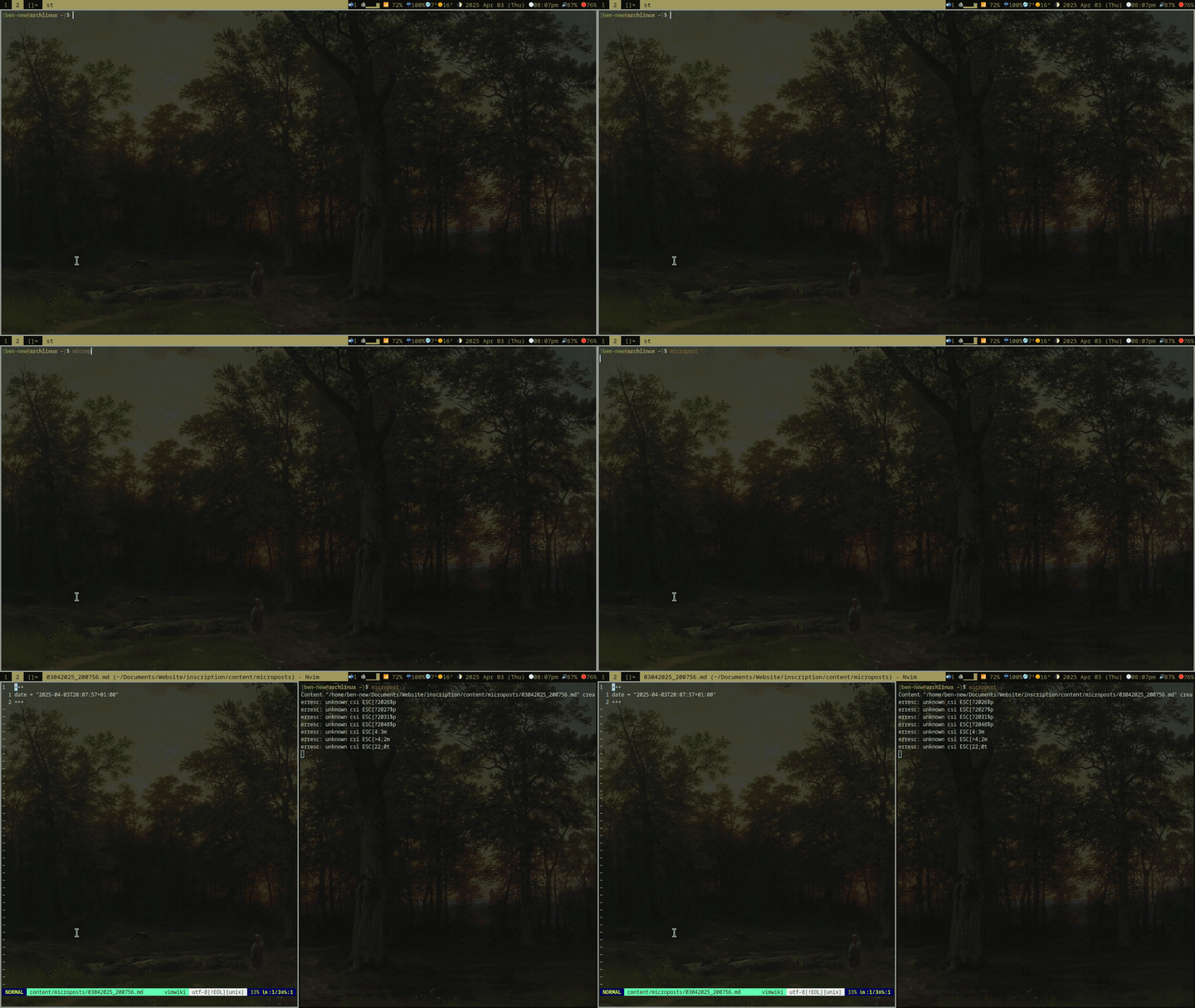
This makes a new micropost from my hugo template and opens a new terminal so that I can immediately edit it in Neovim. The script for regular posts is pretty much identical but it opens a different template so that I can fill in the title and chose whether or not to save it as a draft. Here’s the script in action.
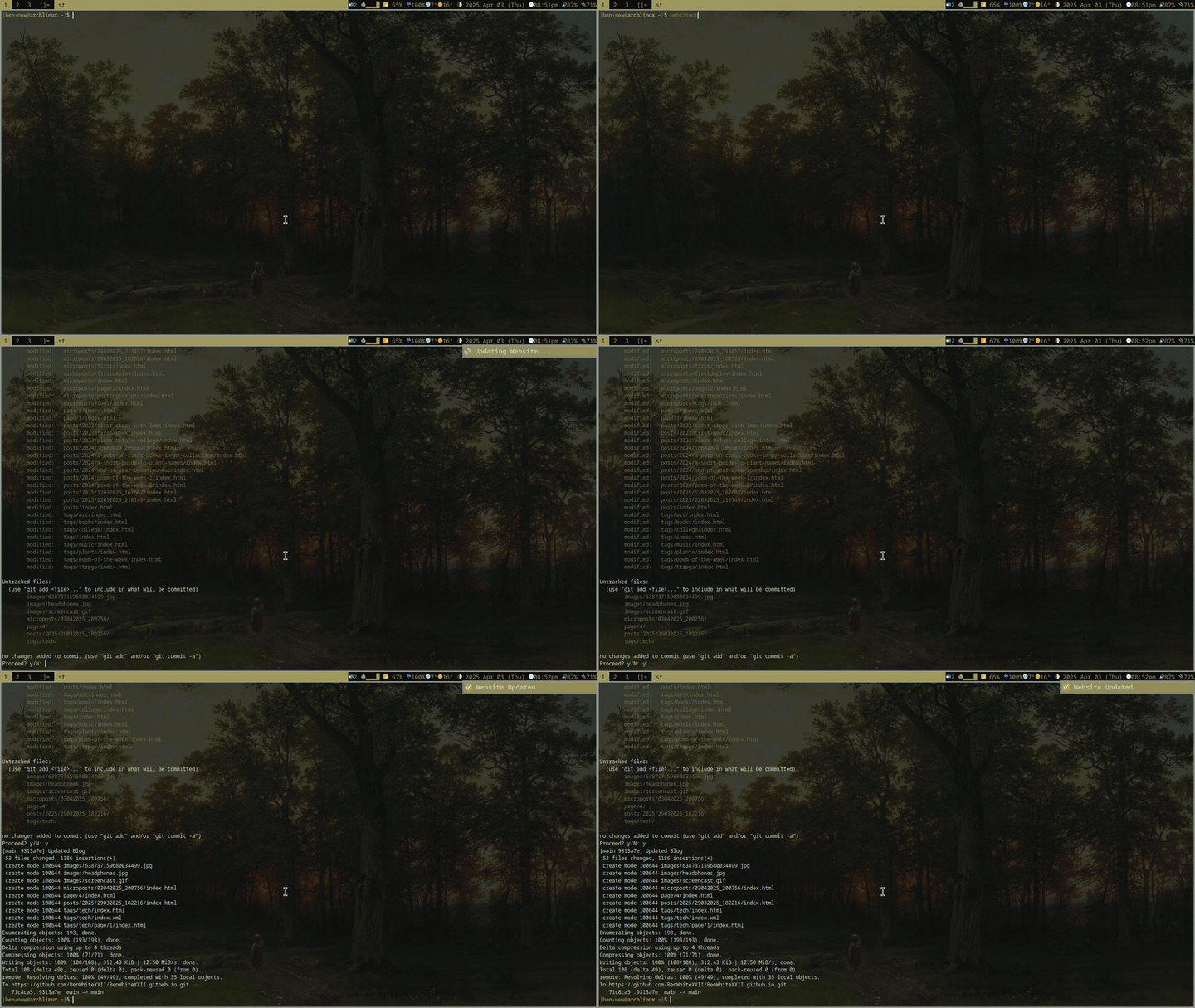
Website update
Next comes my script to update the site:
#!/bin/sh
notify-send " Updating Website..."
cd ~/Documents/Website/inscription/
hugo
cd public/
git status
read -p "Proceed? y/N: " confirm
if [ "$confirm" == 'y' ]
then
git add .
git commit -m "Updated Blog"
git push origin main
notify-send "✅ Website Updated"
else
notify-send "❌ Update Cancelled"
exit
fi
This compiles my markdown files to html and css with hugo and pushes all changes in the directory to github. It’s even complete with notifications!